Slay the Spire 2 Console — How to Enable Commands with ModTheSpire
Published 2026-03-09Updated 2026-09-195 min read
Enable the Slay the Spire 2 console with ModTheSpire and BaseMod from Steam Workshop, open it with the tilde key, and use help, heal, gold, relic and card commands.
Slay the Spire 2 doesn't ship with a console toggle — the community solution is ModTheSpire plus BaseMod, two Workshop mods that add a mod loader and, with it, a full developer console on the tilde key. Here is the complete setup.
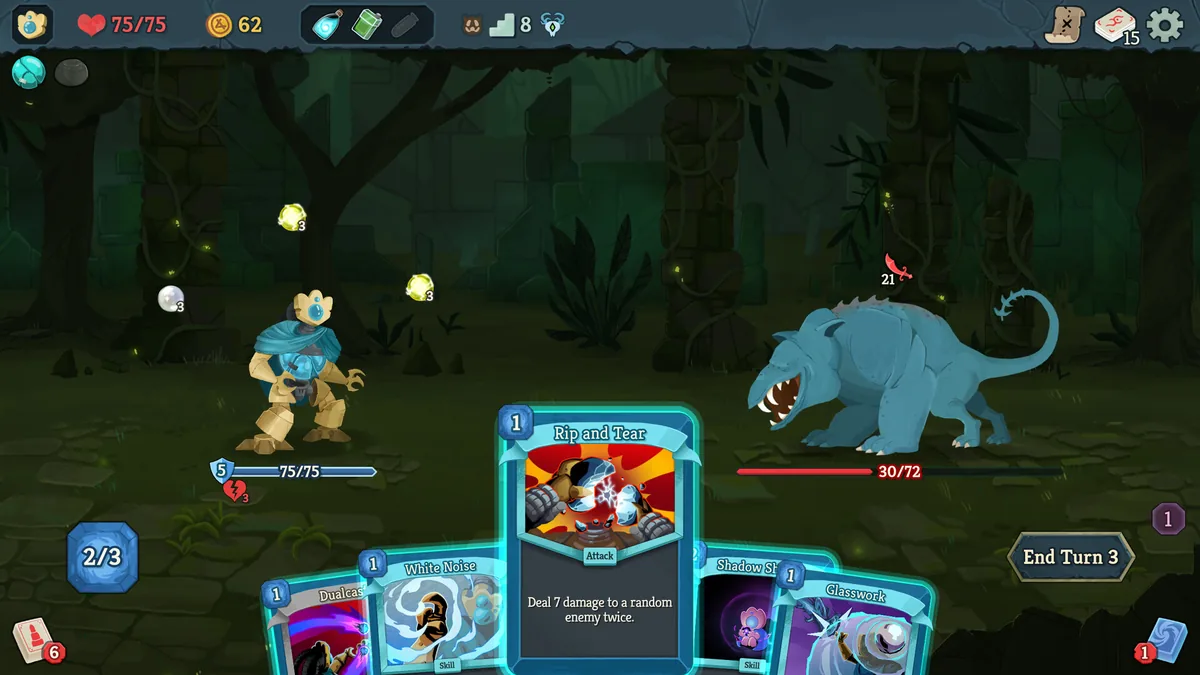
Step 1: install the loader mods
- Open Steam → the game's Steam Workshop page.
- Subscribe to ModTheSpire and BaseMod; let both download.
- Open the game's local folder: Steam → right-click the game → Manage → Browse local files.
- Navigate to
steamapps/workshop/content/646570(the game's Workshop ID) and copy ModTheSpire.jar into the game's root folder. - Delete the existing
mts-launcher.jarin the root folder, and rename your copied ModTheSpire.jar tomts-launcher.jar. - Back in the Workshop folder, copy BaseMod.jar into a
modsfolder inside the game directory — create the folder if it doesn't exist.
Step 2: launch with mods and open the console
- Launch the game and choose Play with Mods.
- In the main menu → Mods, check BaseMod, then press Play.
- In game, press the ~ (tilde) key — under Escape on most keyboards — to open the console.
- Type
helpto list commands; Tab autocompletes.
Commands worth knowing
| Command | Effect |
|---|---|
heal |
Restore full HP |
maxhp [number] |
Set maximum HP |
energy [number] |
Set current energy |
gold [number] |
Set gold |
relic [relic ID] |
Add a specific relic |
card [card ID] |
Add a specific card |
unlockall |
Unlock all characters, cards, relics and modes |
win |
Win the current fight instantly |
Card and relic IDs are English strings from the game files. For editing values outside a fight, see our save-file editing guide — the same console can export your save directory.
Two warnings before you experiment
- Back up your saves first (see save file location); a mistyped command or a bad mod combination can corrupt a run.
- Mods and consoles are offline tools — don't bring a modded build into co-op; sync breaks and lobbies desync.
Keep reading: